Your books.
Your own app.
Read, highlight, annotate, share.
On your phone. Offline, too.
Four readers to try
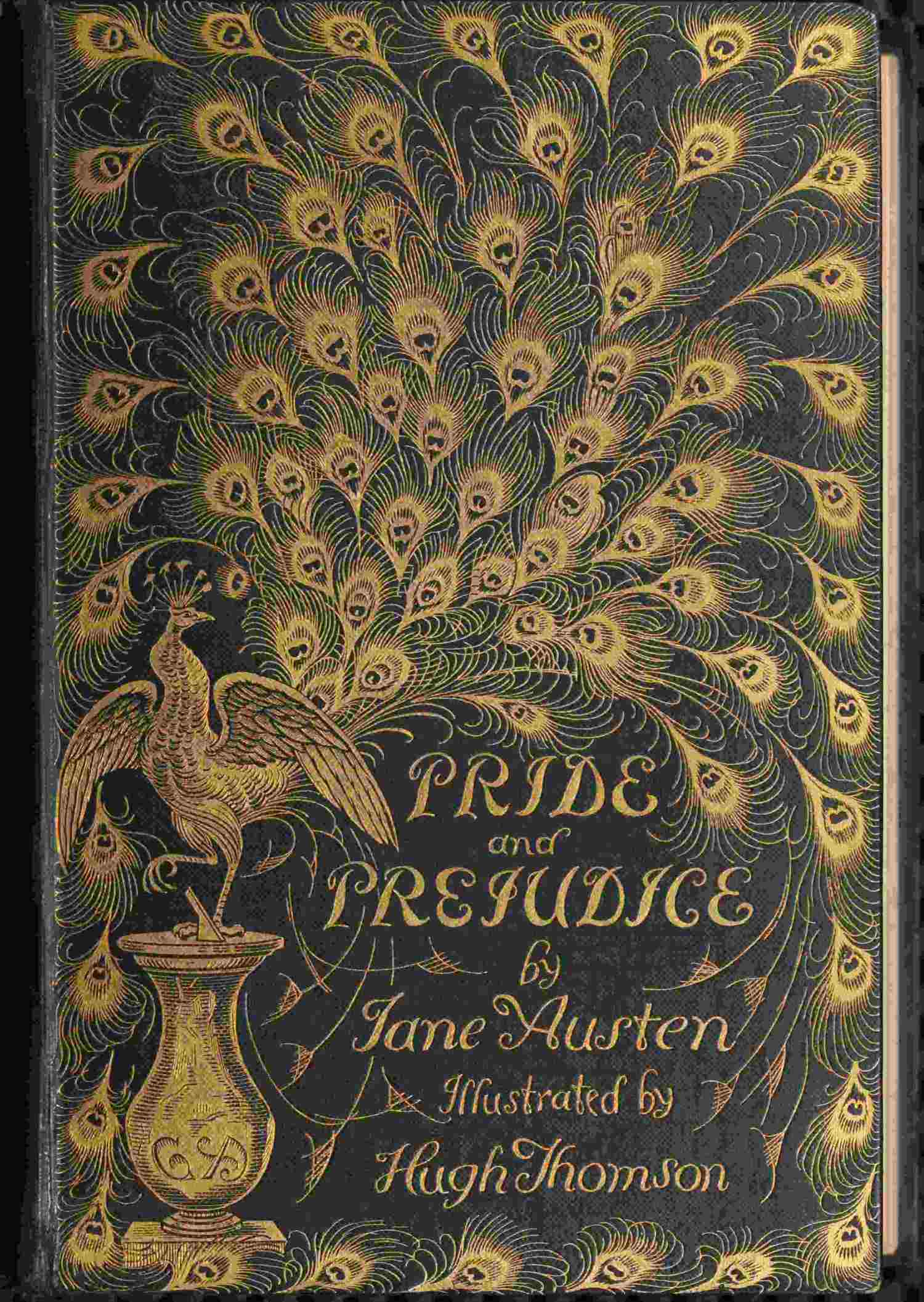
Pride and Prejudice
Illustrations & a word index

Alice in Wonderland
Read & look closer

Walden
A survey & three readings

Two lecture halls
Two philosophers, side by side
Add a reader to your home screen
Open a reader, then add it to your home screen.
- iPhone & iPad
- In Safari, open Share and choose Add to Home Screen. Enable Open as Web App if shown.
- Android
- In Chrome’s menu, choose Install or Add to Home screen. The label varies by version.
- Computer
- Use Chrome’s Install page as app, or Safari’s File, then Add to Dock.
Open the new icon while online. In Settings, use Check offline copy. Then reopen it with Wi-Fi and mobile data off. Keep a reading bundle as a backup of your books and notes.
Installation and backup guideMake your own
Bring a book.
Make a reader.
A simple place to read, or something shaped around its places, history and ideas.
How it works